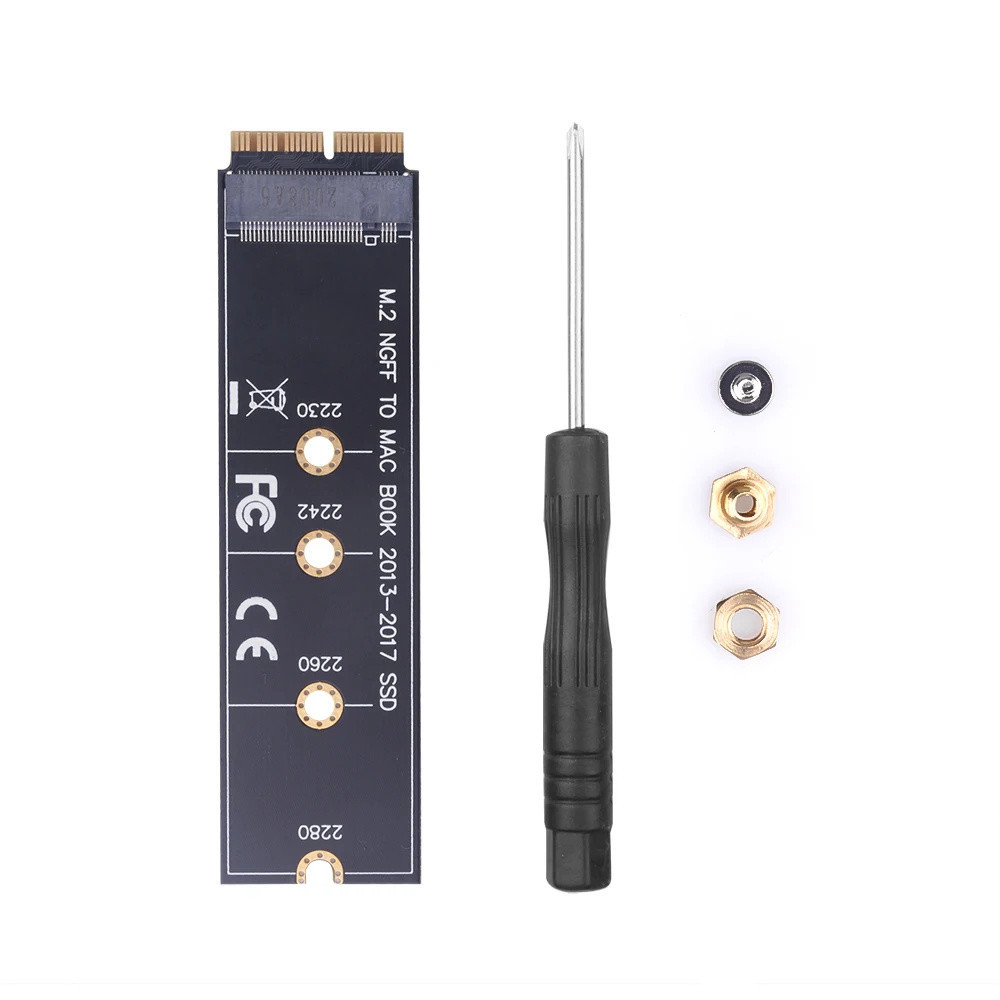
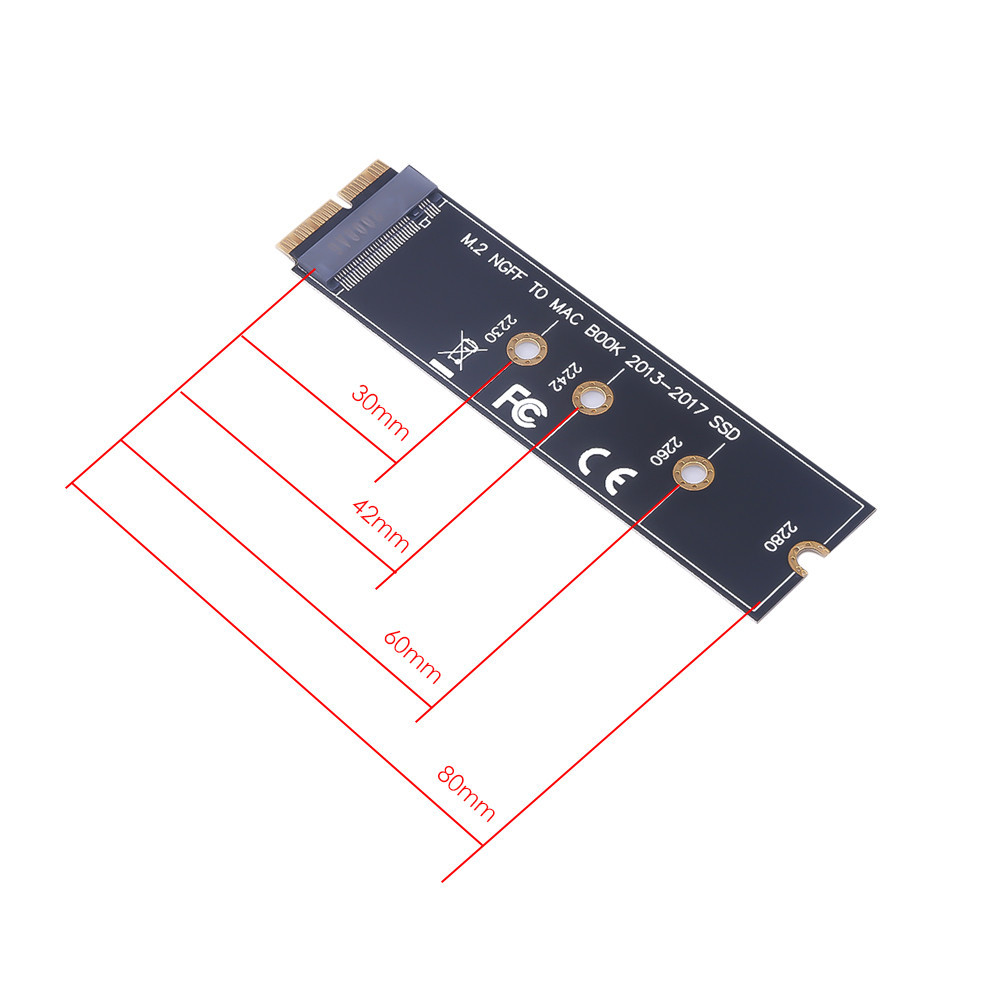
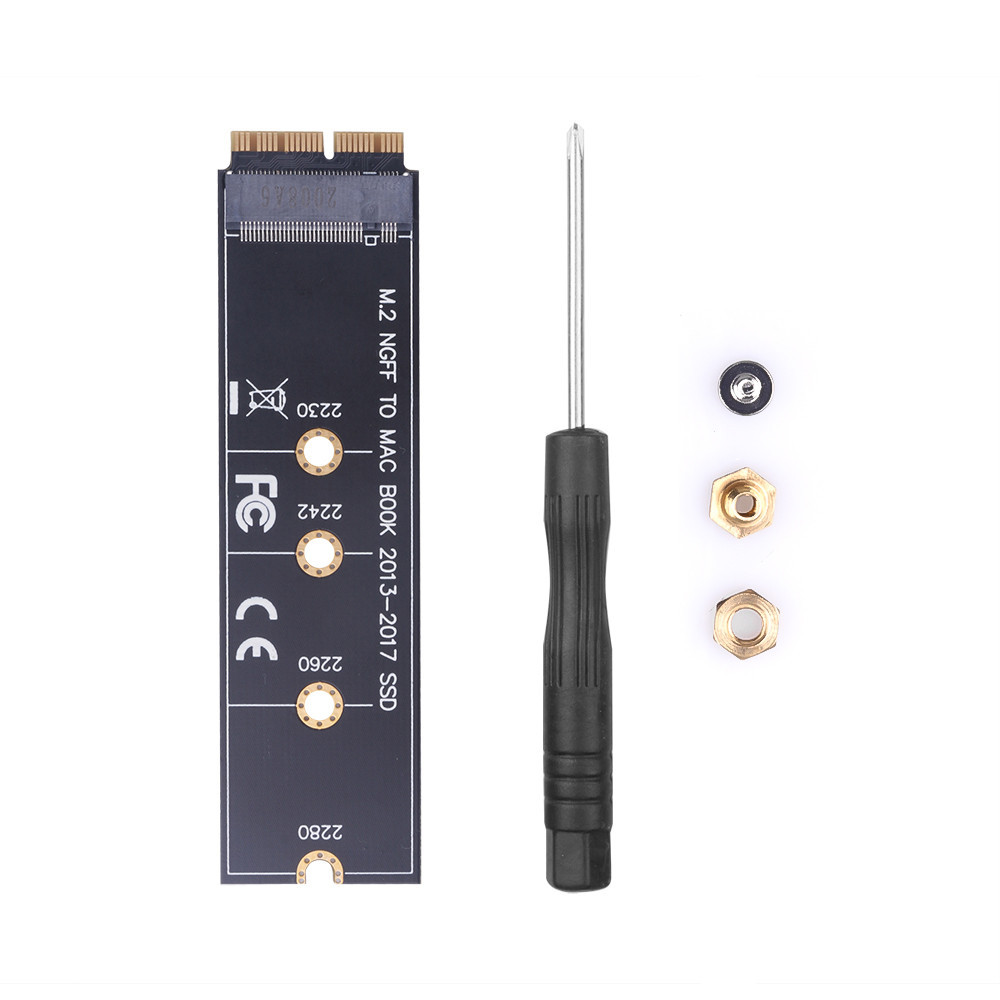
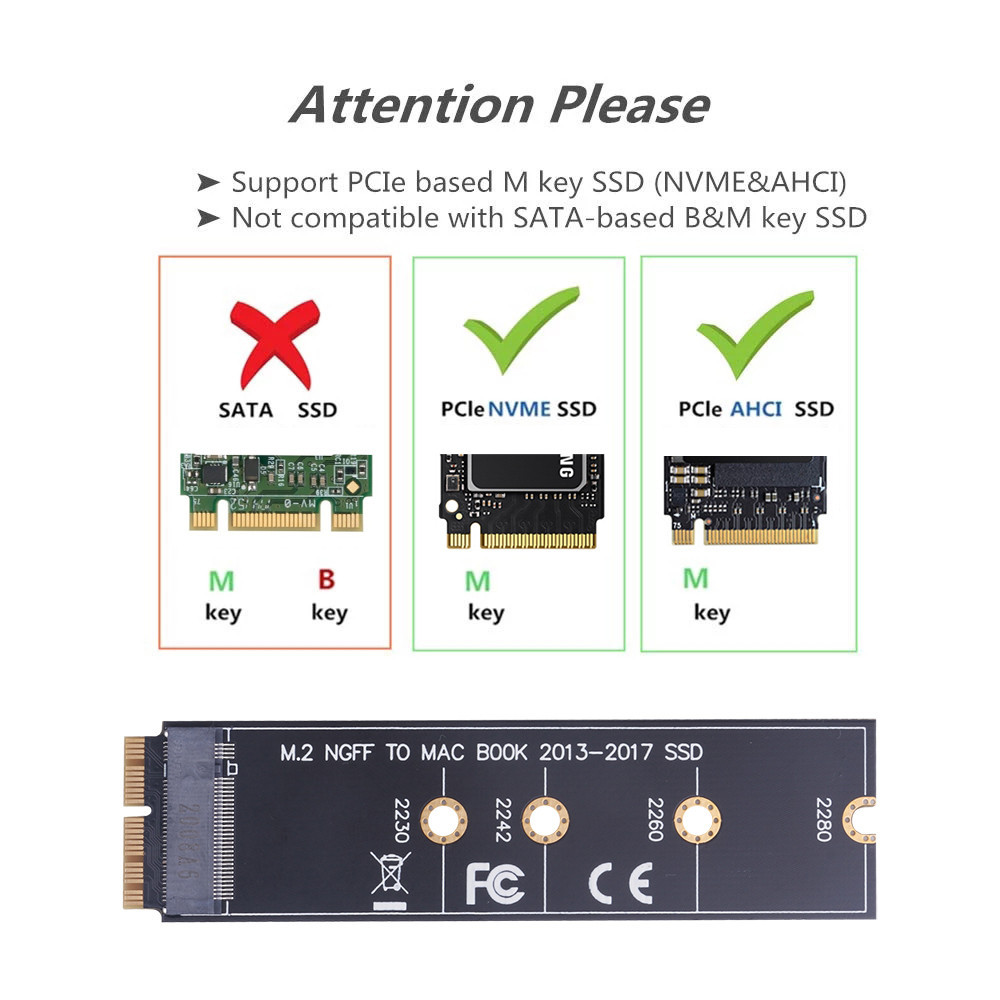
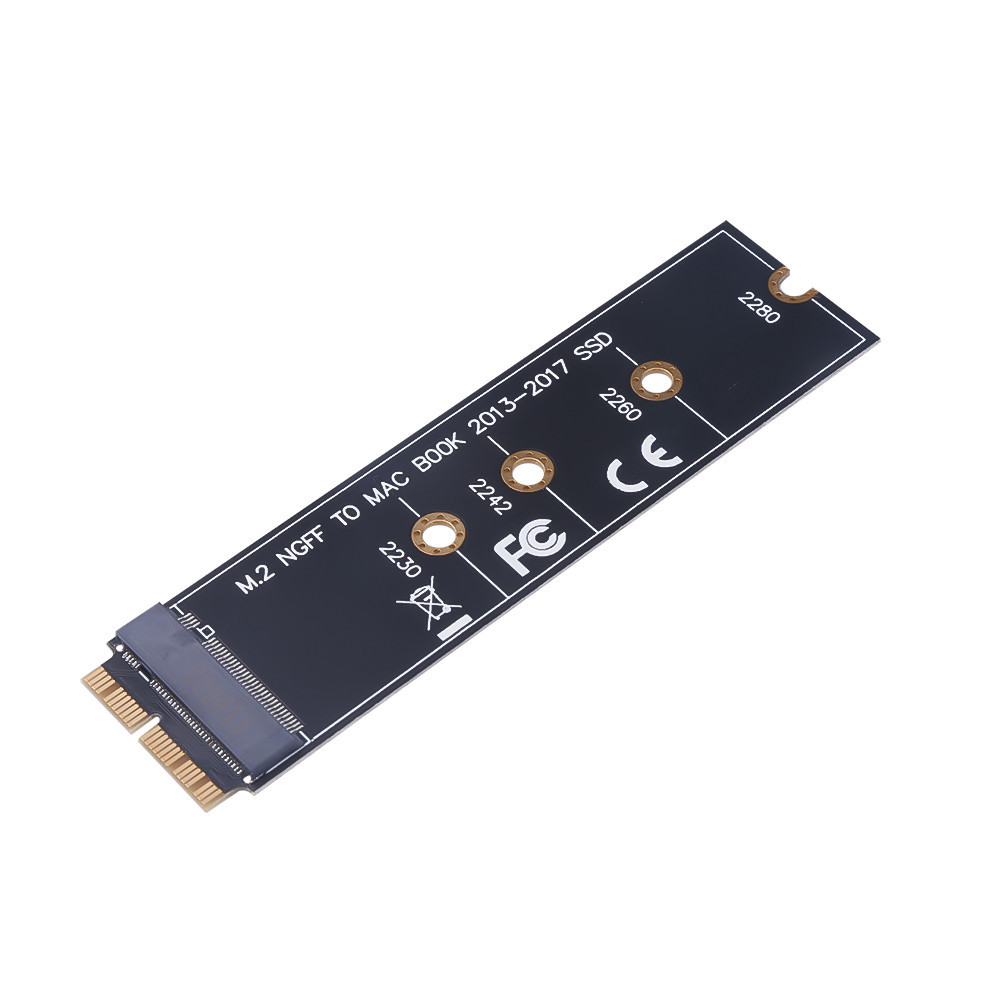
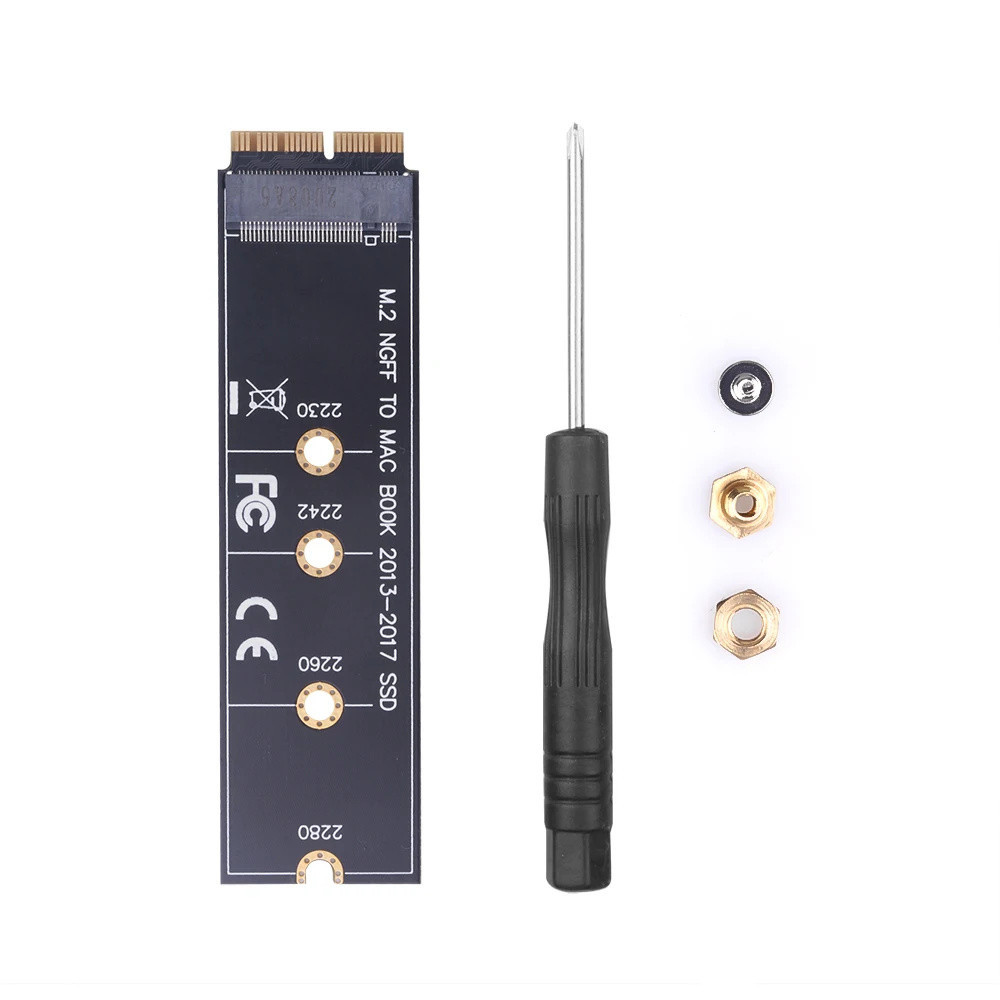
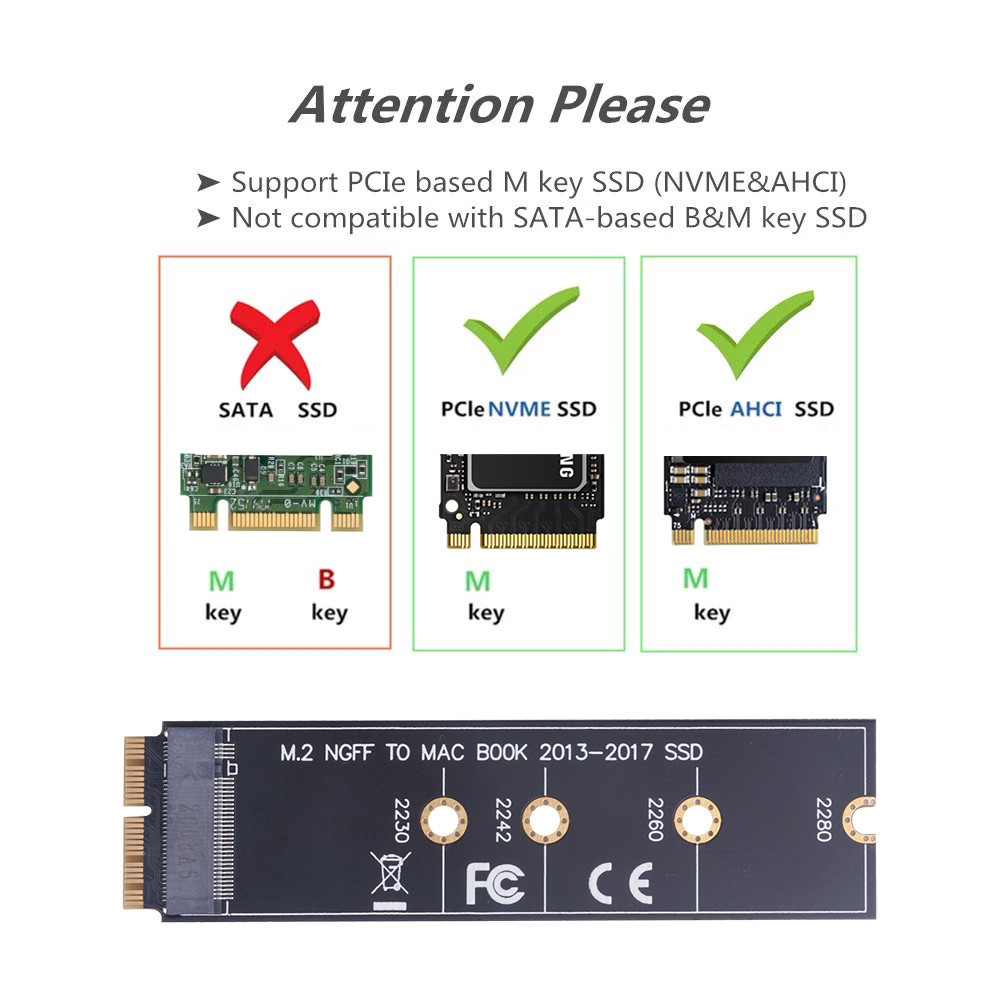
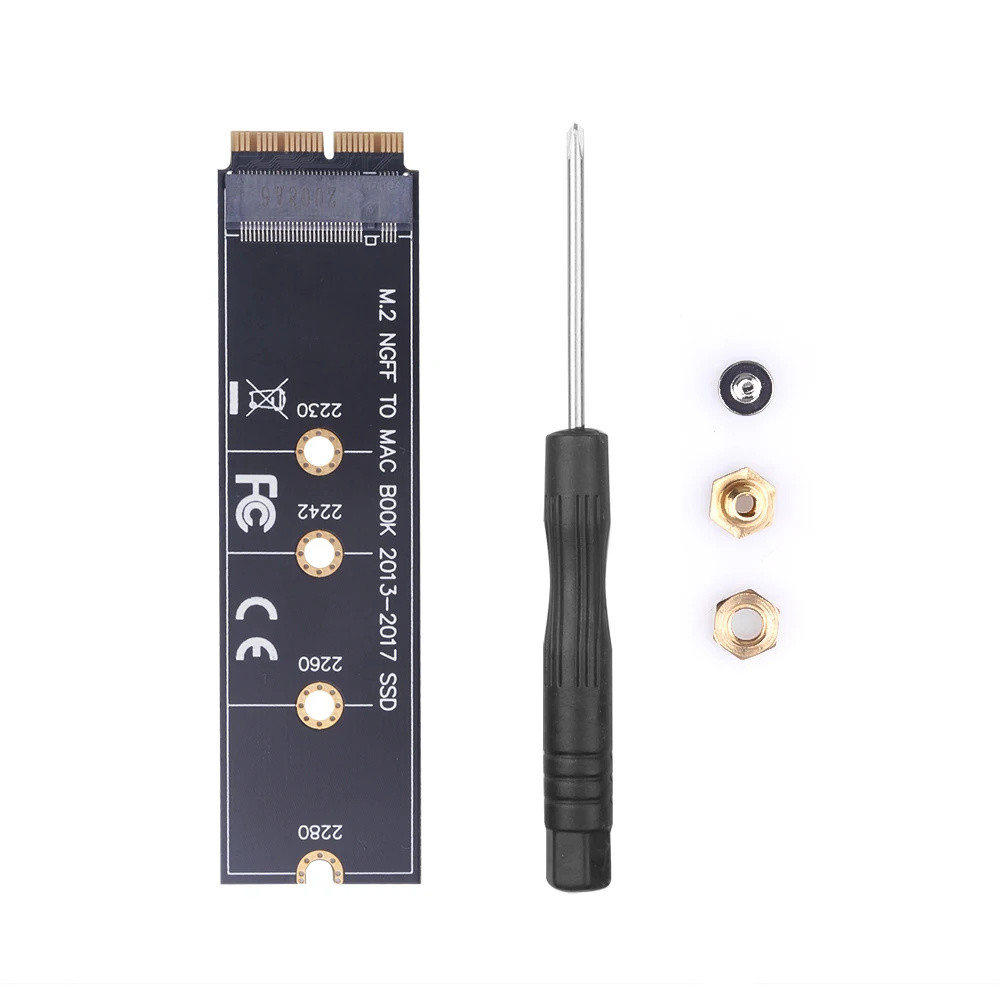
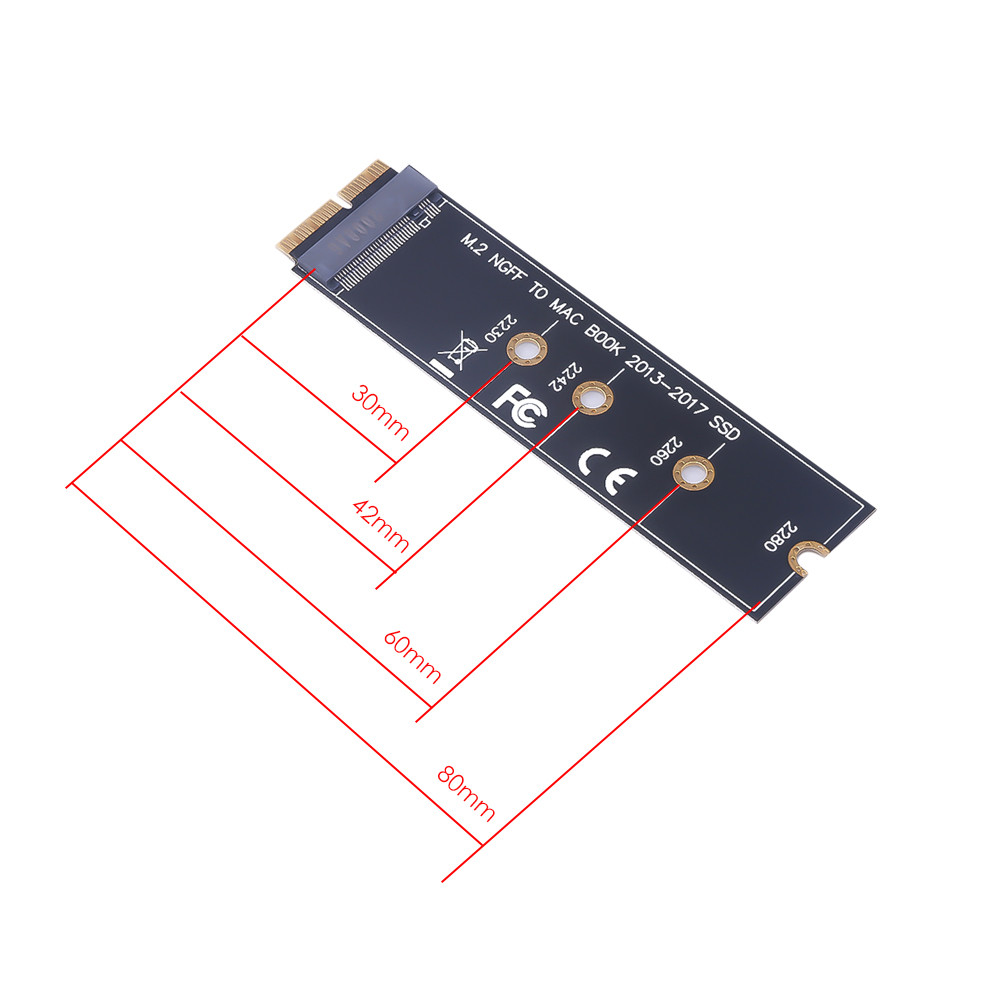
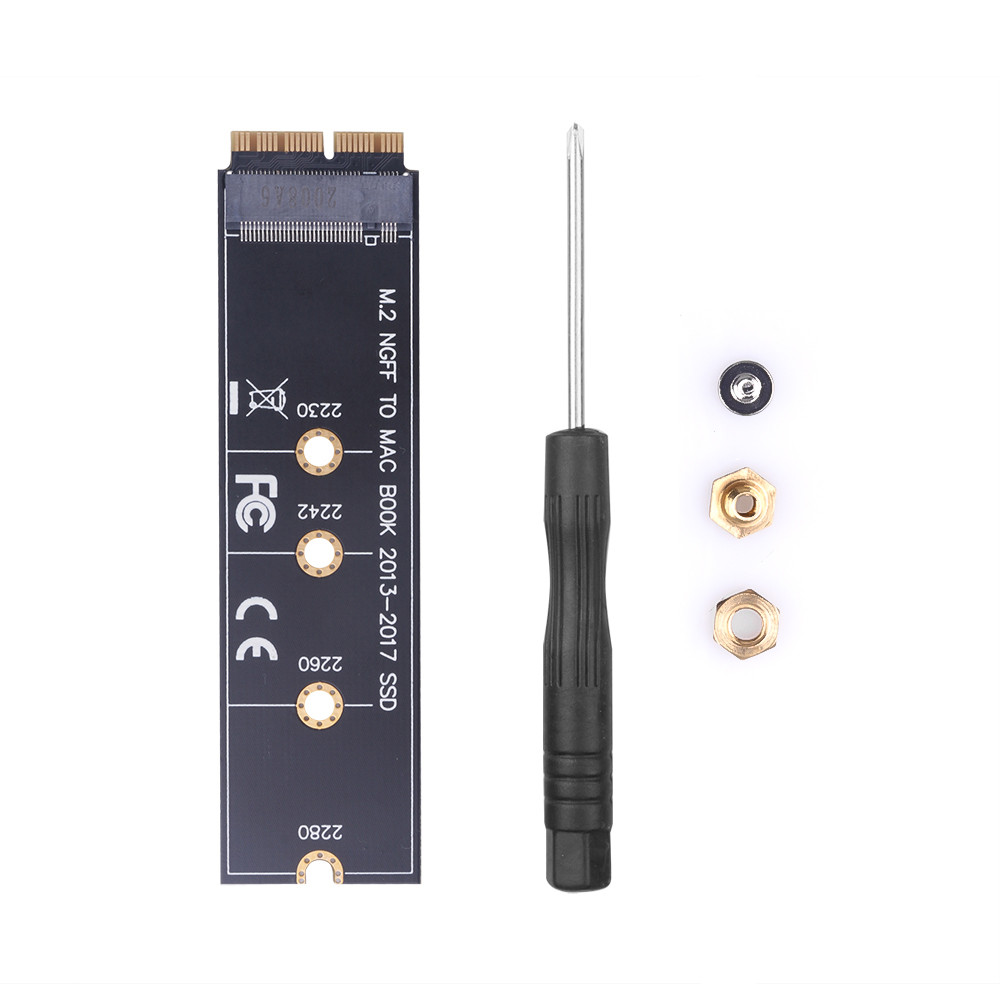
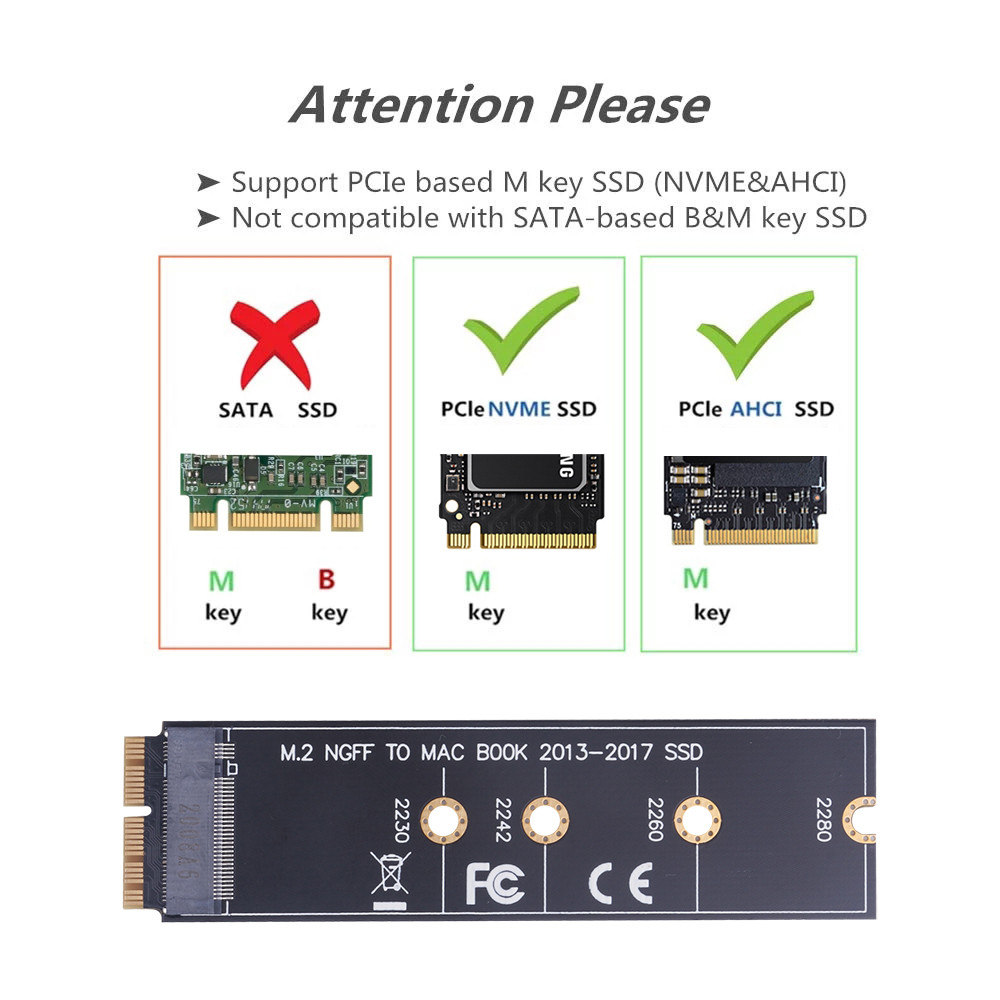
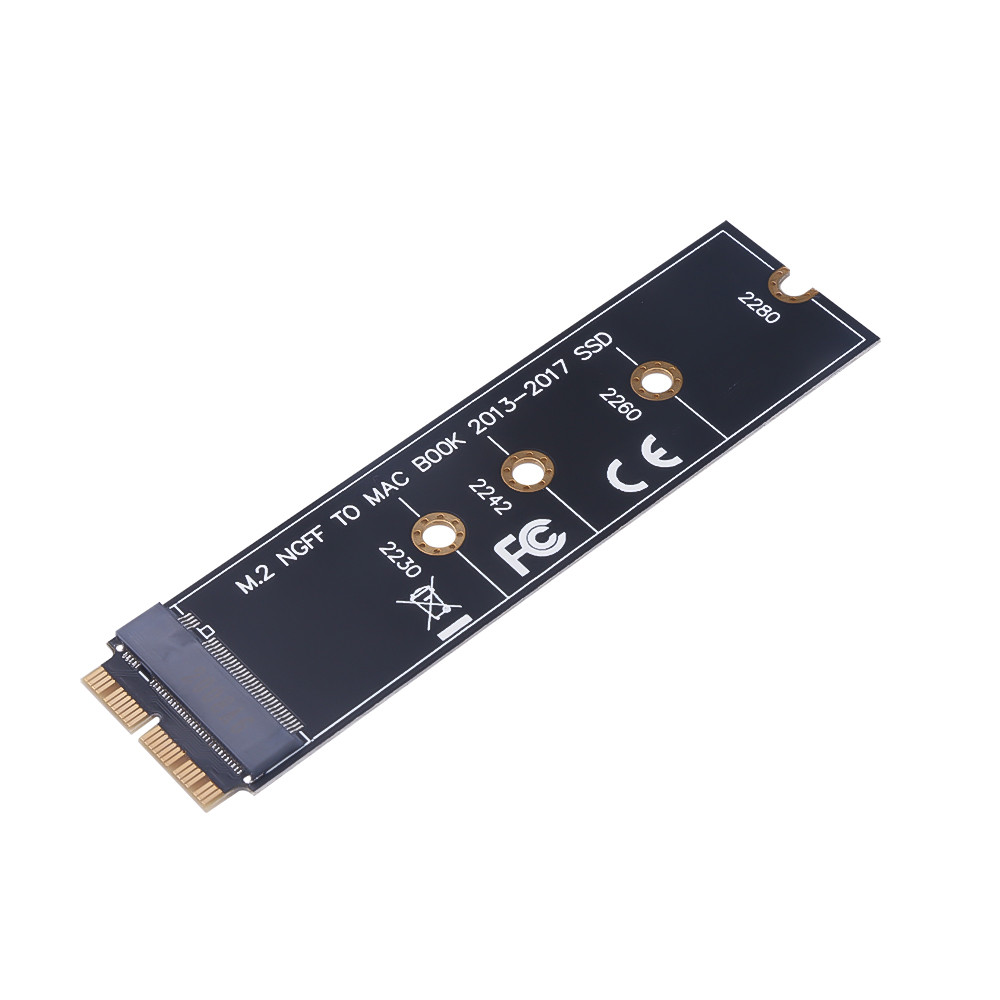
1. Make sure to install the High Sierra on your old drive, so that a newer firmware is installed that can handle NVME. 2. For your old driver, please do a full backup via Time Machine. 3. Create a High Sierra Installer on a bootable USB stick. 4. Open the for and disconnect the battery while switching out the drive and make sure both adapter and new SSD sit snug. 5. Reconnect the battery before closing the shell. 6. Insert the Installer USB stick from step 2, and press the option key while the machine starts. 7. Finally, once it's up you can now go to the disk utils to format and install the for